
Skip to content
Pool Headquarters

How it works

Test your water. We’ll tell you what to do next.

Your pool. Your water. A clear plan.
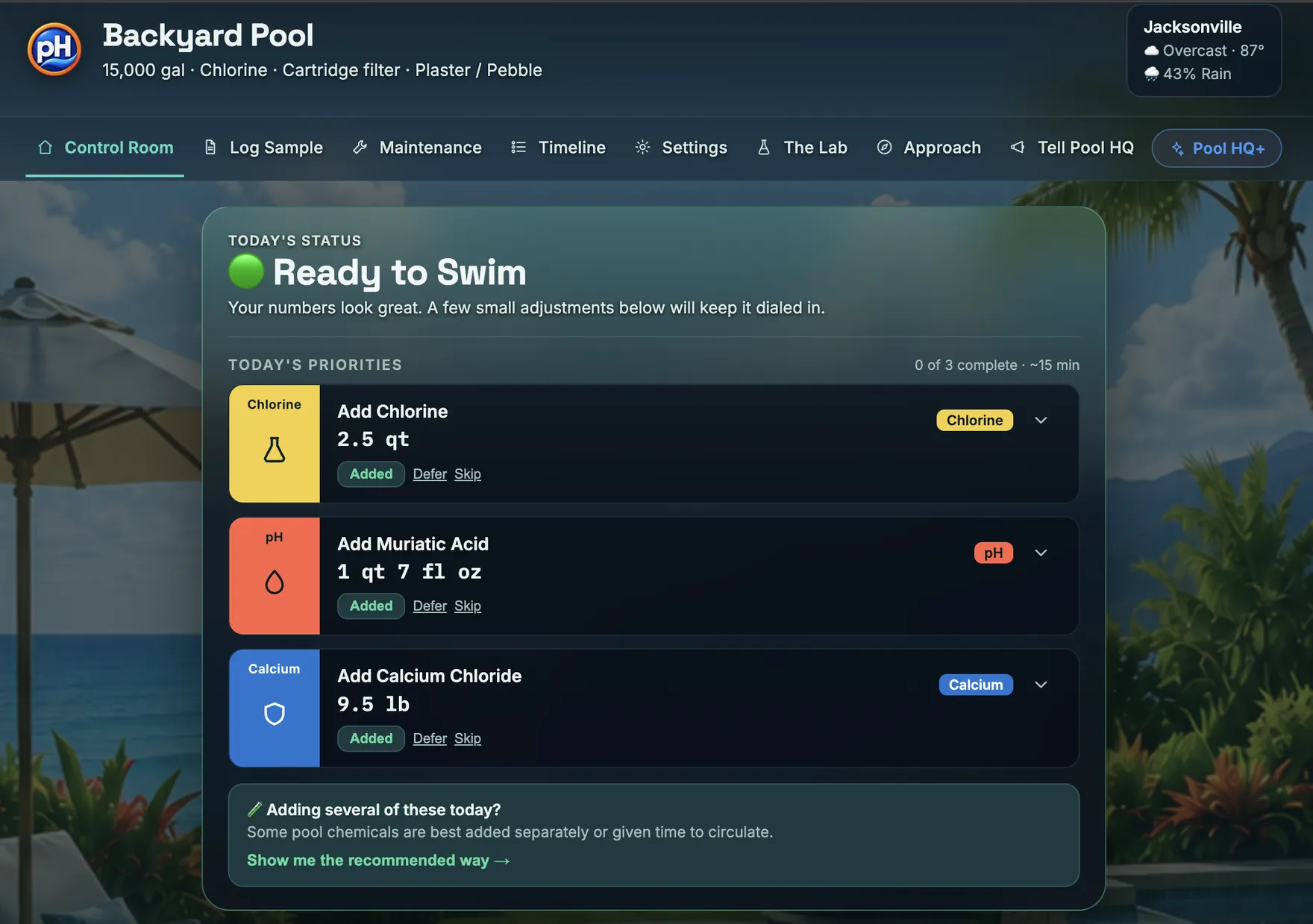
The Control Room with the pool it belongs to: Backyard Pool, 15,000 gallons, chlorine, cartridge filter, plaster and pebble, the Jacksonville weather beside it, and the navigation with Control Room current. Below that Today's Status reads Ready to Swim, the numbers look great and a few small adjustments will keep it dialed in, then Today's Priorities lists three treatments with their amounts: add chlorine, 2.5 quarts; add muriatic acid, 1 quart 7 fluid ounces; add calcium chloride, 9.5 pounds, each with Added, Defer and Skip; and last a card asking whether several of these are being added today, offering the recommended way.

What you do

Two things. That’s the whole job.

Your pool

Tell us about your pool once.

Volume, surface, equipment. Done.

A few things, like which chlorine product you use, it asks later, at the point they change an amount.

Pool Headquarters showing a pool described as roughly 18,000 gallons, chlorine, cartridge filter, fiberglass, above a Maintenance list whose tasks follow from it: Rinse cartridge every 28 days, Run robot cleaner every day, and Empty skimmer and pump baskets every 7 days, each with Done and Later.
Cartridge filter in the profile, rinse cartridge in the list.

Your water

Enter your test results.

Test kit or pool-store report. Done.

A photographed report is read by an automated third-party service, not by Pool HQ, and the app says so before the camera opens. What happens to an imported report

The Log a water sample screen. A line reads Pool HQ is asking for free chlorine, pH and total alkalinity, and those three cards are marked Requested and outlined, showing 4.9, 7.5 and 95 against their target ranges, with Cyanuric Acid, Calcium Hardness and Temperature available beside them.
Three cards marked Requested. The rest are optional.

That’s it. Pool HQ takes it from here.

  • Know what matters.

    See what needs attention now.
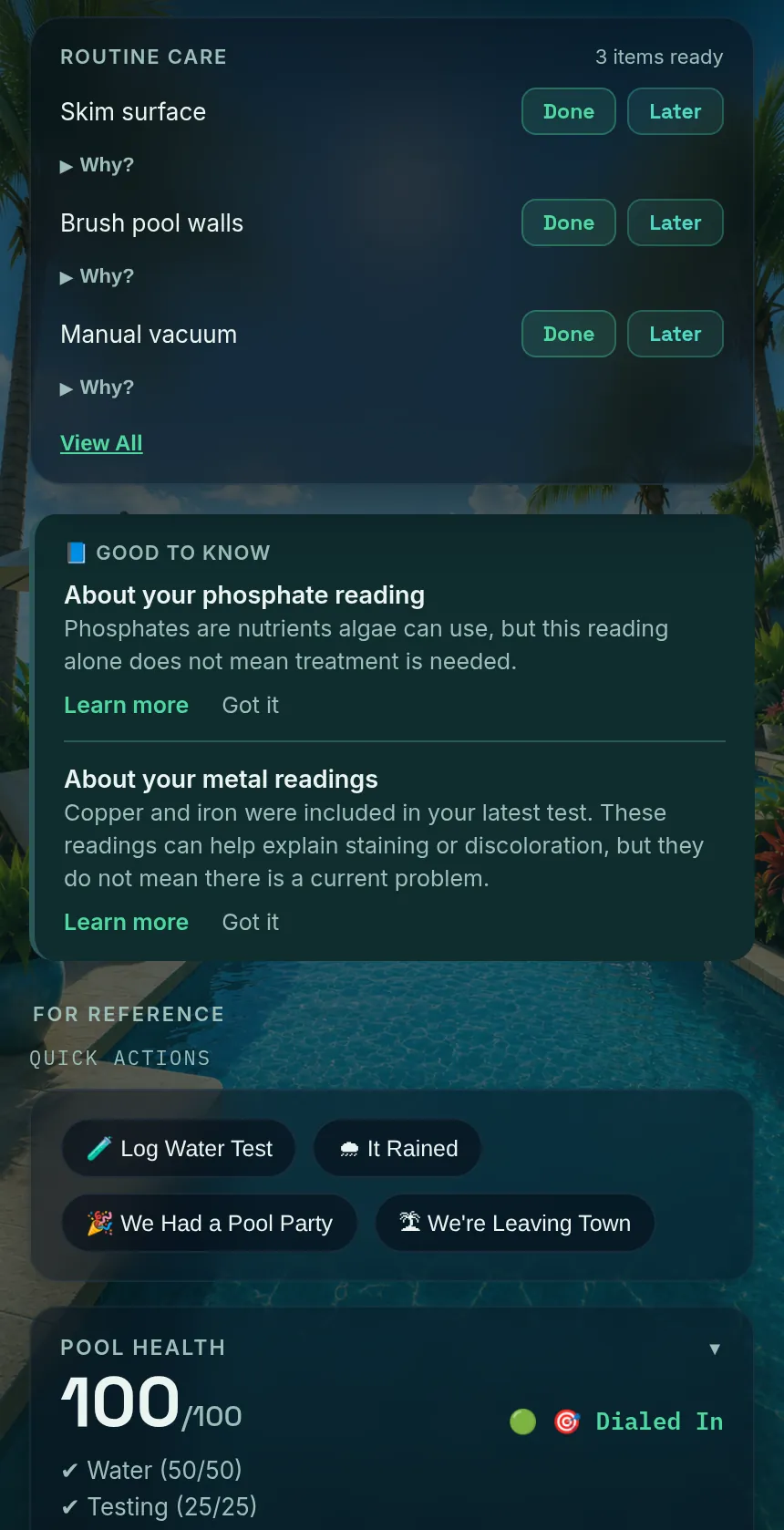
    Routine care with Done and Later on each item, followed by Good to know cards explaining a phosphate reading and a metals reading in plain language, each saying the reading does not by itself mean treatment is needed.
    What needs doing, and what only needs knowing.
  • Know what to do.

    Get the amount, the timing, and the reason.
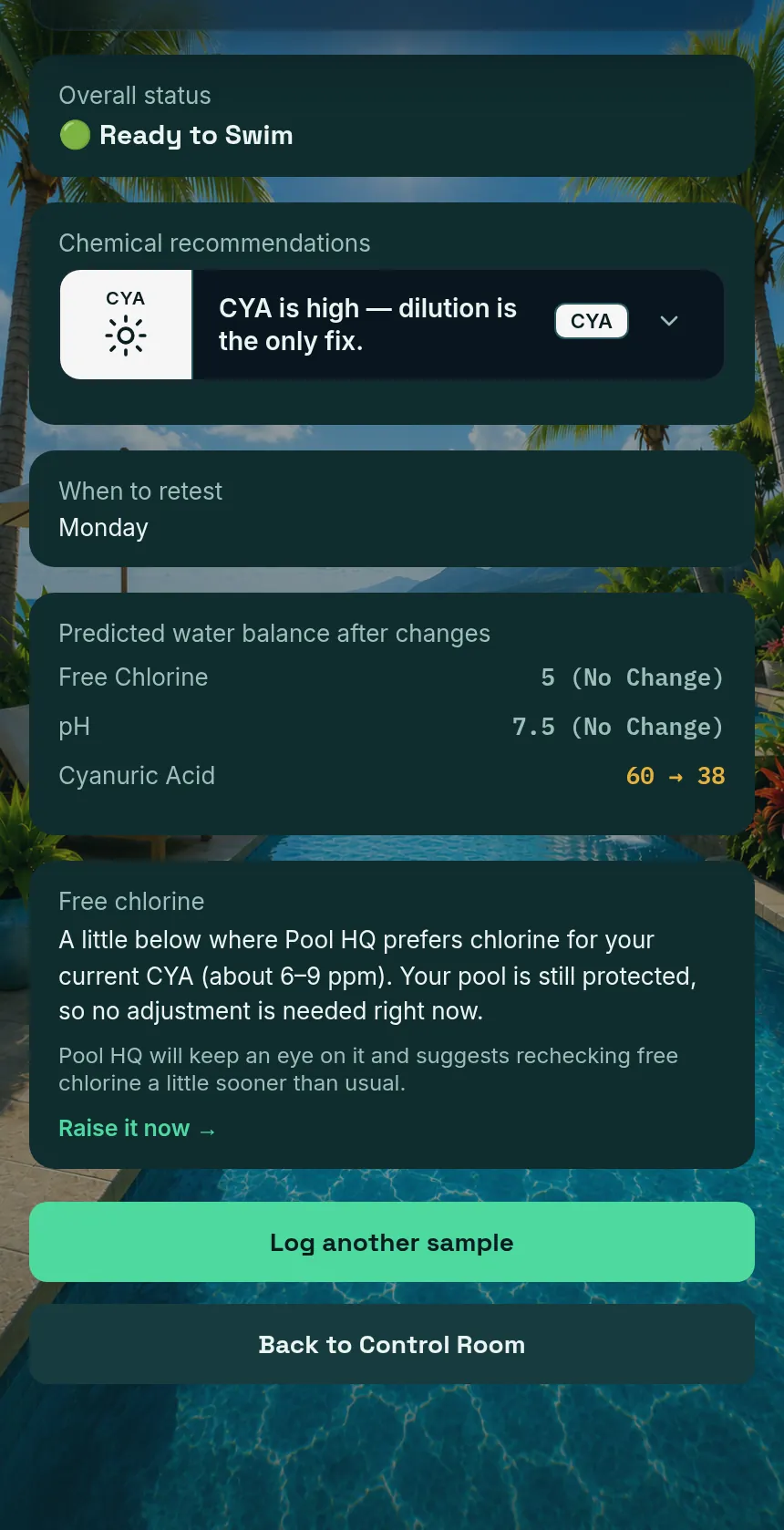
    A results screen showing a chemical recommendation, a retest day of Monday, the predicted water balance after the change with cyanuric acid moving from 60 to 38, and a plain-language note explaining why free chlorine needs no adjustment right now.
    An amount, a retest day, and the reasoning behind both.
  • Never lose the history.

    Your pool history stays together.
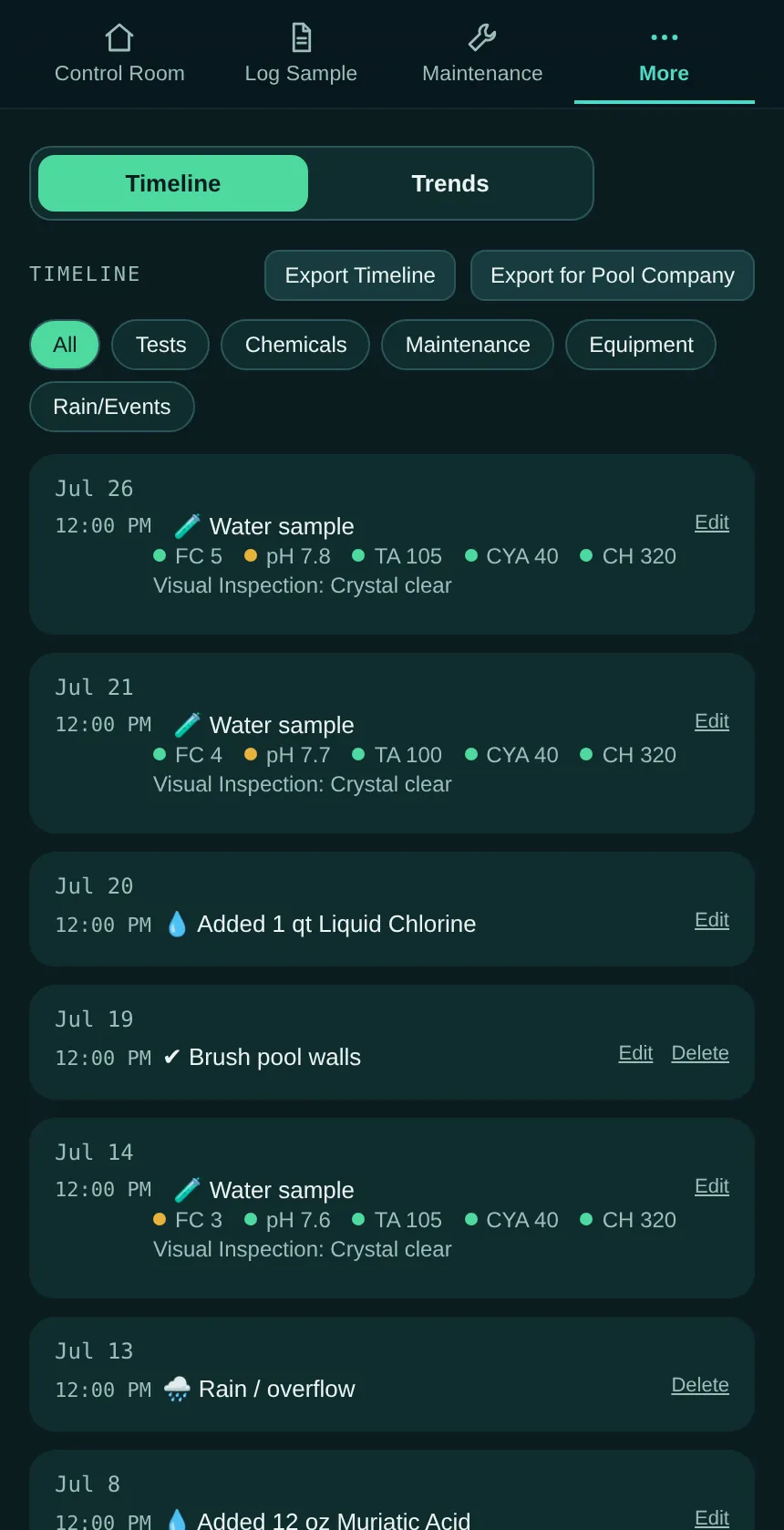
    The Timeline listing water samples with their readings, chemicals added, maintenance done and a rain event, newest first, with filters for tests, chemicals, maintenance and equipment and buttons to export the timeline or export for a pool company.
    One history. Exportable, including for a pool company.

Always check the amount against the product label. Products of the same name are sold at different strengths.

Less guessing. Less searching. More time enjoying your pool.

Pool HQ does not test your water and does not replace the product label, and when something is worth a professional’s eyes it says so. Read the full Pool Care Disclaimer
Your test kit measures the water. Pool HQ helps you manage the pool.

Pool care without the guesswork.

Pool Headquarters is available now on the App Store and Google Play.